
Set 10294 Titanic · Model 2
LEGO® 10294 Name Plaque building instructions
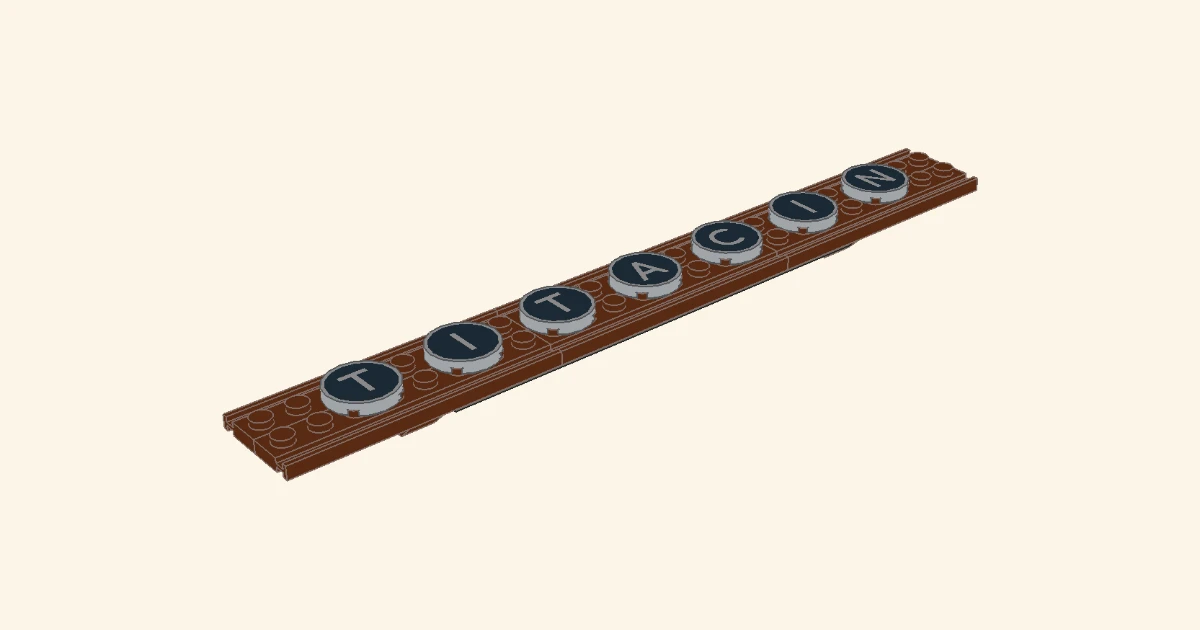
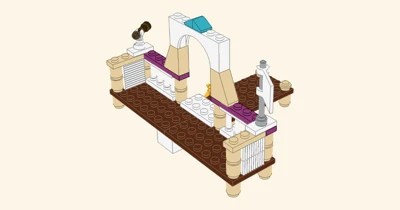
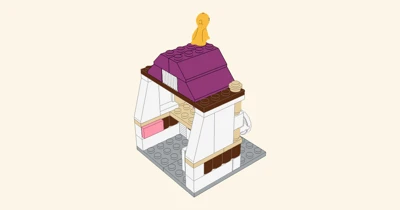
LEGO Icons 10294 Titanic, booklet model 2: the name plaque as the booklet builds it, step by step.
Drag to turn the model
- 16
- Pieces
- 5
- Steps
- 1
- Sub-builds
- 32×16
- Baseplate
Free · No sign-up · Works on phone, tablet and computer
What you get
Everything to build the Name Plaque
These Name Plaque instructions take you through all 16 pieces in 5 clear steps. Every step is a live 3D model you can turn, zoom and replay, so you always see exactly where each brick goes.
Interactive 3D model
Spin, zoom and look underneath the Name Plaque from any angle. Every brick sits in 3D, so nothing hides behind a flat drawing.
5 numbered steps
Follow the build one step at a time, play it as an animation, or jump to any step on the timeline.
Full parts list
All 16 pieces sorted by part and colour, so you can check your bricks before you start.
PDF and LDraw download
Save printable building instructions as a PDF, or export the model as an .ldr file for BrickLink Studio, LeoCAD or LDView.
Build specs
Name Plaque at a glance
- Model
- Name Plaque
- LEGO set
- 10294 Titanic
- Booklet
- Model 2
- Theme
- Icons
- Category
- Objects
- Pieces
- 16
- Steps
- 5
- Sub-builds
- 1
- Baseplate
- 32×16 studs
- Formats
- Interactive 3D, PDF, LDraw (.ldr), parts list (.csv)
How it works
How to build the Name Plaque
Open the 3D instructions
Press the button. The Name Plaque loads right in your browser, with no app to install and no account.
Gather the parts
Open the Parts tab to see every piece of the Name Plaque with its colour and count.
Build step by step
Move through the 5 steps with the arrows or the ← → keys. Drag to orbit, scroll or pinch to zoom.
Save it for later
Download the PDF manual to print, or take the parts list as a CSV file.
Questions
Name Plaque instructions FAQ
How many pieces does the Name Plaque have?
The Name Plaque uses 16 pieces, built in 5 steps on a 32×16 studs baseplate.
Are these the instructions for LEGO set 10294?
Yes. They follow booklet model 2 of LEGO set 10294 step by step, rebuilt as an interactive 3D model. This site is fan-made and not affiliated with the LEGO Group.
Can I download the Name Plaque instructions as a PDF?
Yes. Open the 3D instructions, then choose Download and Building instructions (PDF). You can also save the parts list as CSV and the model as an LDraw .ldr file.
Are the instructions free?
Yes. Viewing, building along and downloading are free, with no sign-up. They work in any modern browser on a phone, tablet or computer.
What if I am missing a piece?
Check the Parts tab for the exact part and colour. You can swap in a similar brick from your collection, or order the part from a marketplace such as BrickLink.
Set 10294
More models from set 10294
Objects
More Objects instructions
Ready when you are
Start building the Name Plaque
LEGO® is a trademark of the LEGO Group, which does not sponsor, authorize or endorse this site. These are fan-made 3D instructions.